Lovable mobile app and Lovable GitHub sync
Two questions come up together constantly: “is there a Lovable mobile app I can download?” and “how do I get my Lovable code into GitHub?”. They share one answer — Lovable builds a real web app you can install on a phone, and GitHub sync is how that same code becomes a native, store-ready build. Here's the full path, with screenshots.
Lovable Student is 100% free and always will be. Note: there is no native Lovable builder app in the App Store or Google Play — the “download” below is installing your own published app to your home screen.
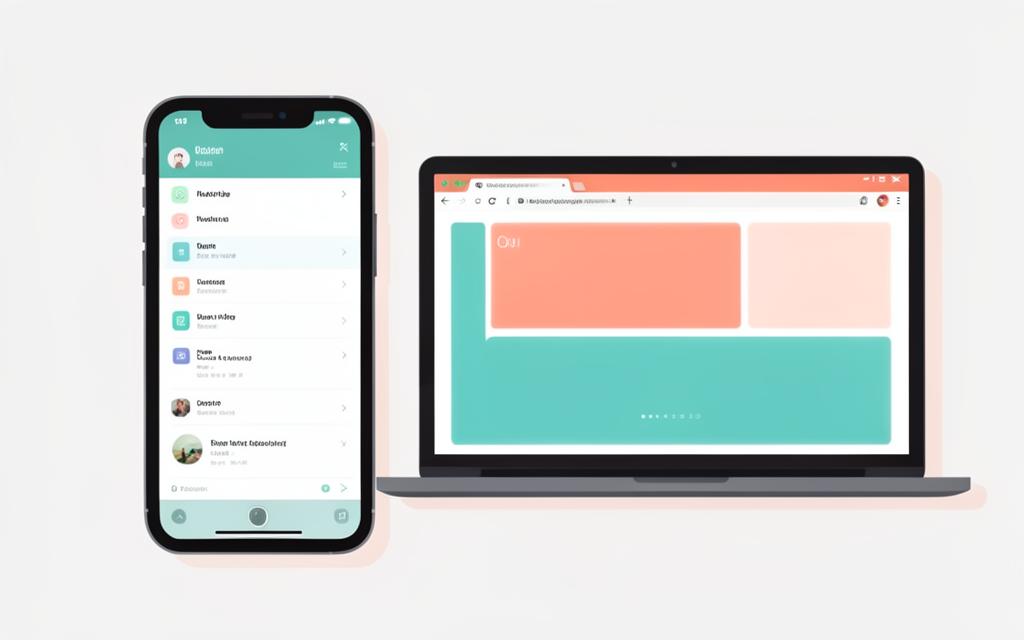
From browser build to installable app
- 1
Build mobile-first in the browser
Lovable runs in a browser tab, so there is nothing to download to start. Ask for a mobile layout explicitly — tap targets of at least 44px, a bottom nav, no hover-only actions — and check the preview at phone width before you add features.
- 2
Open the preview on your phone
Publish the project, then open the lovable.app address on your phone. That live URL is the fastest "mobile app" you can ship: same build, same database, no review queue.
- 3
Install it to the home screen (PWA)
Add a web app manifest with a name, icons, theme colour and standalone display. iOS: Share → Add to Home Screen. Android: the browser menu → Install app. It then launches full screen with your icon, exactly like a downloaded app.
- 4
Connect Lovable to GitHub
In the project, open the GitHub option in the top-right menu, authorise Lovable, and pick or create a repository. Every change you make in Lovable commits to that repo, and commits you push from your machine flow back into Lovable.
- 5
Go native with Capacitor when you need the stores
Clone the GitHub repo locally, add Capacitor, then build the iOS and Android shells around your existing web build. This is the only route to an App Store or Google Play listing — and it needs Xcode or Android Studio on your own machine.
- 6
Keep both in sync
Treat GitHub as the source of truth. Let Lovable own feature work, do fine-grained refactors locally, and pull before you prompt so the two histories never diverge.
Download / install your app
Once your project is published, the install is two taps. On iPhone or iPad open the published URL in Safari, tap Share, then “Add to Home Screen”. On Android open it in Chrome, tap the menu, then “Install app”. It launches full screen with your own icon — that is the downloadable Lovable mobile app.
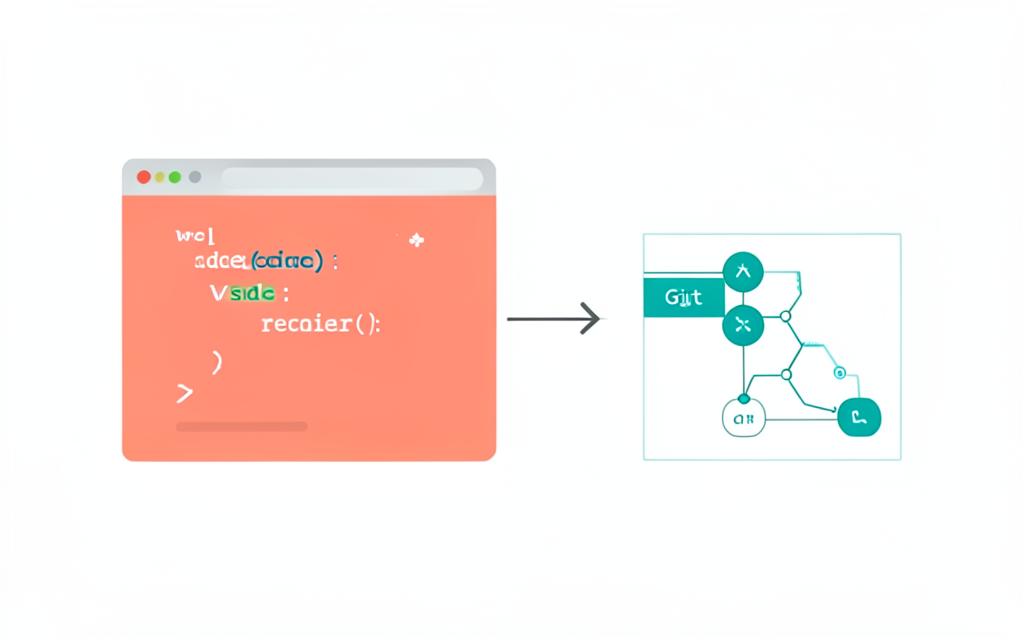
Lovable GitHub: exporting and owning the code
GitHub sync is what turns Lovable from a hosted builder into a normal engineering project. The repo lives in your account, contains standard React and TypeScript, and is the input to any native wrapper, CI pipeline or local editor. Connect it early — before you have a month of unversioned work — and keep one branch as the truth.
- • Authorise the Lovable GitHub app on only the repositories you need.
- • Pull before you prompt, so Lovable is not editing a stale tree.
- • Use pull requests for local refactors, then let Lovable continue on the merged branch.
- • Keep secrets out of the repo — configure them in the project's backend settings.
Lovable mobile app & GitHub FAQ
- Is there a Lovable mobile app to download?
- Lovable itself is a web tool — you open lovable.dev in your phone's browser rather than installing a native builder app. What you can download is your own build: publish it, then add it to your home screen so it behaves like an installed app.
- Can Lovable build a real mobile app?
- Yes, in two ways. A progressive web app installs from the browser and works for most products. For App Store or Google Play distribution, export the code to GitHub and wrap it with Capacitor locally.
- How do I connect Lovable to GitHub?
- Use the GitHub option in the project menu, authorise the Lovable GitHub app, and select an existing repository or let Lovable create one. Sync is two-way from that point on.
- Do I own the code Lovable pushes to GitHub?
- Yes. The repository is in your account, it is standard React and TypeScript, and you can keep working on it with or without Lovable.
- Why isn't my GitHub push showing up in Lovable?
- Check you pushed to the branch Lovable is connected to, that the Lovable GitHub app still has repository access, and that the build succeeds — a broken build blocks the sync from rendering a preview.
